Manage Your Sales & Ledger
All in One Place
Track customers, record sales, collect payments, and generate reports — everything your business needs, in your pocket.
Everything your business needs
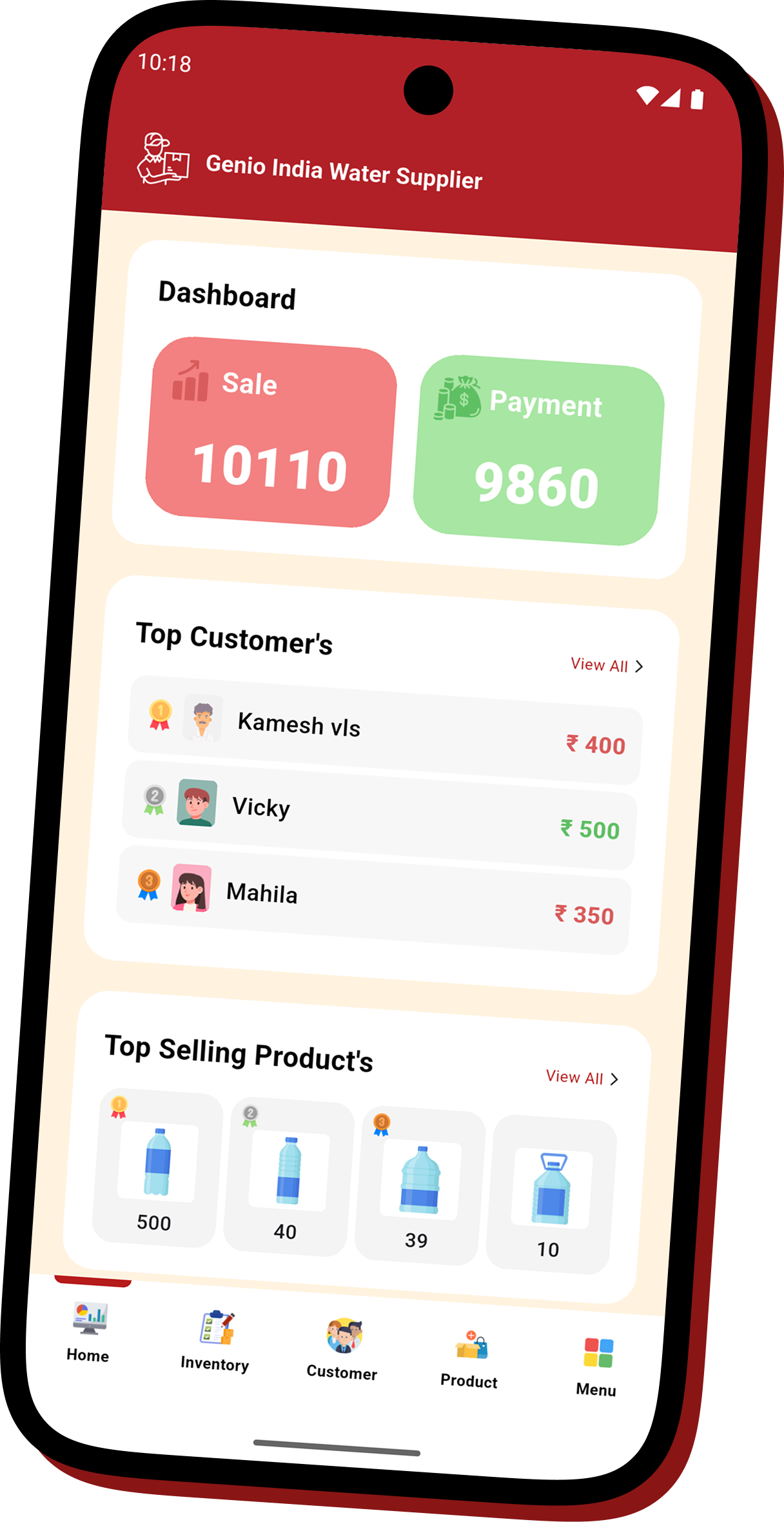
From adding customers to generating reports — Smart Sales Ledger covers your entire sales workflow.
Customer Management
Add customers with name, mobile number, address, and profile avatar — plus an opening balance if they already owed you before you switched to the app. Search and filter by name, phone, or balance status — Receivable, Payable, or Settled.
Sales Entry
Record a sale against a customer with date, product, quantity, and price — and add as many products as the sale needs, all in one entry. Every line totals up automatically, with one received amount for the whole sale.
Payment Tracking
Record payments received from customers with a remark and amount. The outstanding balance updates instantly. Share a payment reminder directly from the app.
Product & Stock Management
Create products with name, price, and product image. Enable stock management to automatically deduct quantity on each sale and prevent overselling.
Sales Reports
Generate a detailed report for any customer, or an Overall Report totalling every customer and supplier at once, for any date range up to 3 months. Download as a PDF directly to your device on supported plans.
Secure & AWS-Backed
All your data is stored securely on Amazon Web Services (AWS) over encrypted HTTPS connections. Log in from any device and your data is always there. Credentials are stored in encrypted on-device storage.
Staff Accounts & Roles
Give your team their own login. Staff accounts see a focused view — Inventory, Customers, and Products only — so employees can record sales and stock without touching payments, reports, or your dashboard.
Supplier & Purchase Ledger
Flip the Customer/Supplier switch on your dashboard to track what you owe. Record purchases, log payments made, and watch your payable balance the same way you track receivables.
Up and running in minutes
Four simple steps to start managing your business ledger.
1. Create Your Account
Register with your company name, company type, mobile number, and address. Verify your number with an OTP and you are in.
2. Add Your Customers
Add your customers with their name and optional mobile number. The app tracks each customer's outstanding balance automatically.
3. Add Products
Create products with price and stock quantity. Enable stock management so the app tracks inventory automatically as you record sales.
4. Record Sales & Payments
Go to the Inventory tab, select a customer and product, enter quantity and price, and save. Record payments to reduce the outstanding balance instantly.
Your language, your app
Switch language anytime from the Login screen or Menu → Language. The entire app updates instantly.
Simple, honest plans
Start free. Upgrade when you need more. No hidden charges. Payments via Google Play Store & Apple App Store.
Ready to take control of your business?
Download Smart Sales Ledger and start your free trial today — no credit card required.